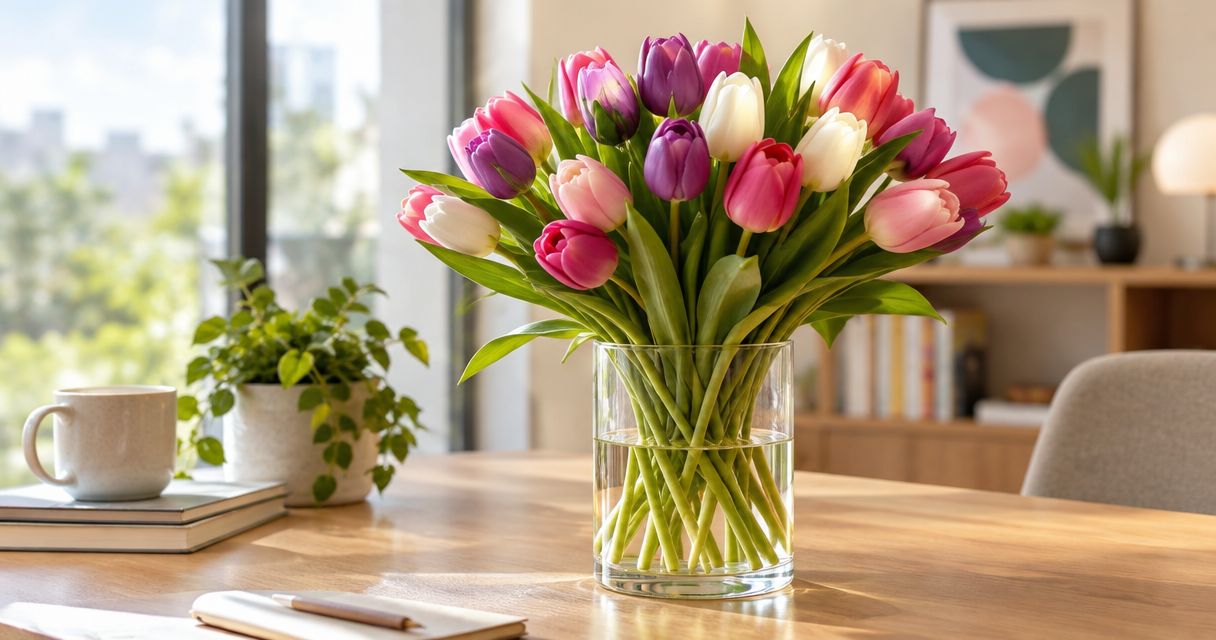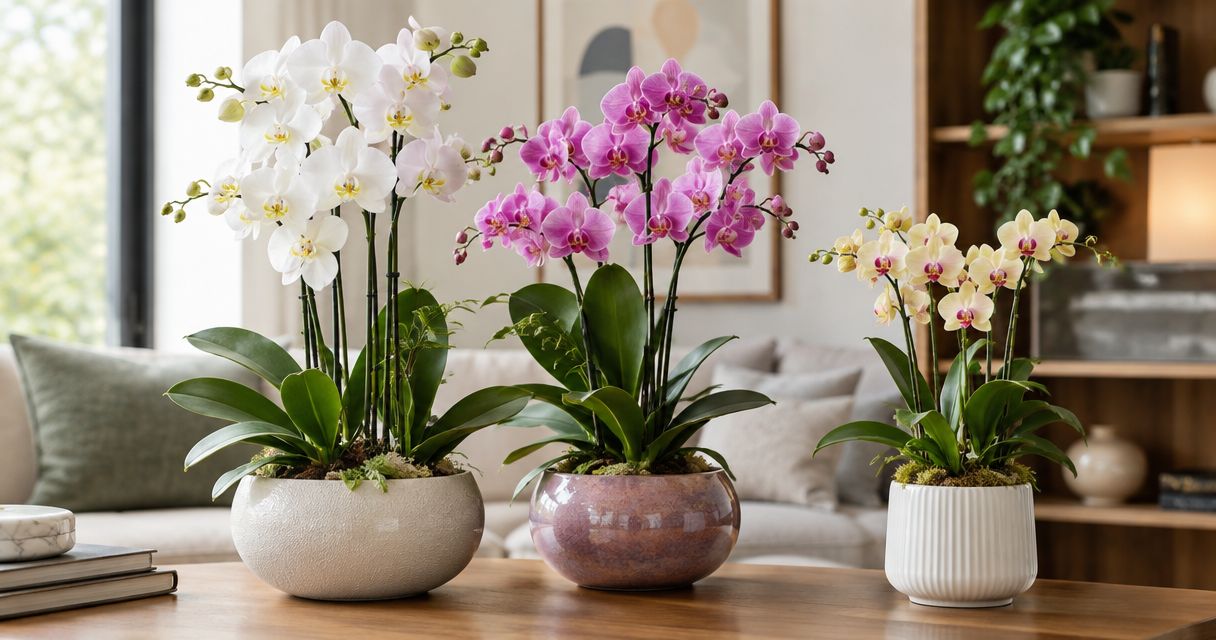
Instead of manually arranging office flowers every week, create a delivery brief, an office calendar reminder, and a confirmation routine that keeps each order under one person's control. For an Istanbul office flower subscription—often searched as ofis çiçek aboneliği istanbul—confirm the florist's recurring-order terms before treating any calendar entry as a booked delivery.
- For ofis çiçek aboneliği istanbul, confirm recurring delivery terms before scheduling office flowers.
- Pollyanna Flowers offers Istanbul bouquets, plants, and orchids; ask separately about recurring office arrangements.
- Use a shared delivery brief, named receiver, and calendar reminders to coordinate office flower deliveries.
- A reminder prompts an order; only a florist's confirmation establishes the delivery arrangement.
Why this matters
A recurring office flower routine has two separate parts: deciding what your office needs and confirming what the florist will deliver. A repeating calendar reminder handles the first administrative prompt. It does not create a subscription, authorize payment, or transmit an order.
Pollyanna Flowers is best for Istanbul office buyers seeking bouquets, plants, or orchids with a florist-led ordering process. Start with Pollyanna Flowers to discuss the arrangement, then establish whether recurring deliveries can be agreed for your address.
For your 2026 office flower plan, separate confirmed deliveries from proposed dates. That distinction prevents a receptionist from expecting flowers that nobody actually ordered.
Before you start
- Access and ownership: Have access to a shared office calendar and a shared document. Name an ordering owner, an authorized approver, and a receiving contact; roles can overlap.
- Delivery materials: Gather the complete address, floor, entrance instructions, reception hours, display location, and any building restrictions. Have a suitable container ready unless a container is explicitly included in the agreed arrangement.
- The setup gotcha: A recurring reminder is not a recurring order. Confirm delivery coverage, the ordering method, change procedures, and whether each delivery needs separate approval before you activate the routine.
Choose 1 display location for the initial setup. This is a recommended starting scope, not a florist's minimum order: it keeps receiving instructions and care responsibilities easy to check.
Delivery brief
Define the display and receiving requirements
- Choose the placement. Identify the exact surface, not just the room. Write down whether the arrangement belongs on the reception counter, a meeting table, or a side table, and measure the usable space.
- Create the shared brief. Add fields named Display location, Arrangement type, Delivery address, Receiving contact, Backup contact, Delivery window, Care owner, and Order status. These are labels for your own document, not claimed fields on a florist's website.
- Record practical restrictions. Note sightlines, visitor access, nearby equipment, scent preferences, and any workplace restrictions. Do not place a vase where a spill would reach sockets or shared electronics.
- Assign responsibility. Give the ordering owner responsibility for confirmations and the care owner responsibility for the display after delivery. Record a backup rather than relying on whoever happens to be at reception.
Expected result: Someone unfamiliar with the order can identify where the flowers belong, who accepts them, and who handles them afterward.
Describe the intended effect in practical terms. A reception arrangement needs to leave the desk usable; a meeting-table arrangement needs to preserve conversation sightlines. A reference photo helps explain placement, but it does not establish the dimensions or contents of the florist's proposed arrangement.
Choose the arrangement format
Choose the format around the job your office can support. Fresh bouquets, potted plants, and orchids create different care tasks; none removes the need for a named owner.
| Format | Best for | Advantage | Limitation | Confirm before ordering |
|---|---|---|---|---|
| Fresh bouquet | Offices wanting a changing floral display | You can request a different composition for later orders | Cut flowers need water management and eventual replacement | Container, dimensions, care instructions, and agreed composition |
| Potted plant | Offices wanting an ongoing greenery display | The display does not depend on ordering another cut bouquet | Watering and placement must suit the particular plant | Plant identity, light needs, drainage, and watering guidance |
| Orchid | Offices specifically wanting an orchid display | It provides an alternative to a cut-flower arrangement | Care depends on the orchid type and growing conditions | Orchid identity, container setup, and care instructions |
Choose a fresh bouquet when your goal is a regularly changing flower display. Choose a plant or orchid when the office wants to maintain that living display rather than replace cut flowers on a calendar.
Do not assign a universal replacement interval to any format. Ask for guidance on the selected arrangement, then adjust your routine to its condition and your office environment.
Florist confirmation
Establish the recurring-order agreement
- Send the delivery brief. Ask whether the florist can support your proposed address, format, and repeat schedule. Treat the request as an inquiry until the arrangement is accepted.
- Resolve the order mechanism. Establish whether the florist will schedule repeat deliveries under an agreement or whether you must place and confirm each order separately.
- Confirm the contents and handling. Ask what arrives, whether a container is included, whether setup is included, and who handles any container return. Record the answer without assuming these services exist.
- Agree on changes. Ask how to request a different date, pause, substitution, or cancellation, and what notice applies. Use the florist's stated terms rather than inventing your own deadline.
- Save the confirmation. Record the agreed delivery date or schedule, receiving instructions, arrangement details, and the person responsible for the next action.
Expected result: Your office knows whether it has an agreed recurring arrangement or a repeat-order checklist requiring action each time.
Pollyanna Flowers offers bouquets, plants, orchids, and same-day delivery in Istanbul. That does not establish a recurring office subscription, a standing delivery slot, or coverage for every proposed address; confirm those requirements directly.
Use a concise inquiry brief rather than a general request for flowers. Include the office address, display purpose, preferred format, proposed dates, receiving hours, and a request to explain how repeat orders would work.
For a 2026 schedule, record actual dates rather than an open-ended instruction such as every Monday forever. Dates give both parties something specific to accept, revise, or decline.
Calendar and handover routine
Build the reminder sequence
- Create the order reminder. Give the calendar entry a clear title such as Confirm office flowers. Put the shared brief's location and the ordering owner's name in the description.
- Choose the reminder timing. Set it before the florist's agreed ordering or change deadline. If no deadline has been agreed, resolve that before relying on the calendar.
- Separate the delivery entry. Create Receive office flowers only for an accepted delivery. Include the receiving contact, backup contact, address instructions, and confirmation reference where one exists.
- Update the status. In your shared document, use Requested, Confirmed, Received, and Paused to distinguish operational states. These are your internal labels, not a claim about the florist's ordering system.
- Review exceptions. Check office closures, building access changes, and the receiver's absence before the next order is confirmed.
Expected result: The ordering owner sees an action reminder, while reception sees only deliveries the florist has accepted.
Keep a single status record rather than separate personal lists. The sequence below is an office coordination workflow, not an automated connection to a florist.
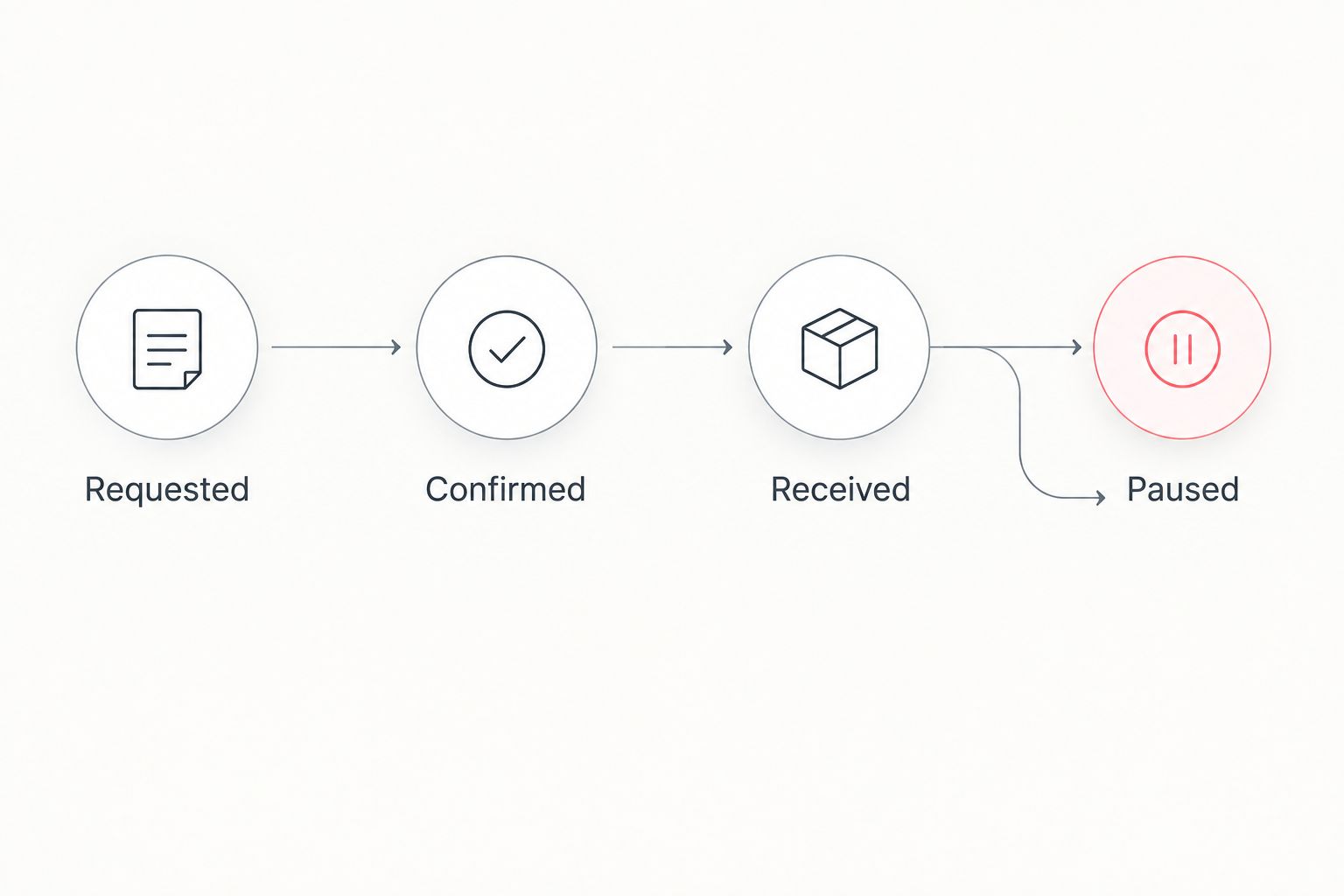
For your initial 2026 setup, schedule a review after 4 weeks. This is a suggested administrative checkpoint, not a claim about flower lifespan: review receiving problems, care responsibilities, and whether the display suits its location.
Complete the receiving handover
- Check the delivery against the agreement. Confirm the destination and arrangement details before moving it to the display area.
- Follow the supplied care instructions. If instructions are absent, ask the florist. Do not apply a cut-flower routine to a potted orchid or assume every plant needs the same watering schedule.
- Record an exception immediately. If the arrangement differs from what was agreed or arrives damaged, document the issue and contact the florist using the established order channel.
- Close the task. Mark the order Received, tell the care owner it has arrived, and record any instruction that affects the next order.
Expected result: Delivery ends with a usable display and an accountable care owner, not a parcel left at reception.
Second workflow: update flowers when the office calendar changes
An event-led routine fits offices that need flowers around client visits or meetings rather than on a fixed cadence. Best for: teams whose display needs follow confirmed office events. Its advantage is relevance; its limitation is that every event change creates another coordination task.
Use the same brief and status record. Change the trigger from a repeating reminder to an approved office event:
- Add a flower-order task when the event owner confirms that a display is required.
- Check the meeting location, receiving window, and arrangement requirements against the brief.
- Request the delivery and record the florist's acceptance separately from the meeting booking.
- If the event changes, assign the ordering owner to request the corresponding delivery change.
A calendar edit does not notify the florist unless an explicitly configured and supported connection does so. This guide uses a manual confirmation process; do not assume that changing an event cancels flowers.
Keep event orders separate from the regular 2026 office schedule. That makes it clear whether an additional arrangement supplements the reception display or replaces that delivery.
Troubleshooting
The reminder appeared, but no flowers arrived
Check whether the order ever moved from Requested to Confirmed. If it did not, contact the florist to place the order; then make confirmation a required step rather than treating the calendar reminder as proof of booking.
Reception cannot accept the delivery
Compare the agreed window with actual desk coverage and building access rules. Add 2 named receiving contacts—a primary and a backup—and give the florist the accepted handover instructions before the next delivery.
Nobody knows who should care for the display
Assign a Care owner in the shared brief and obtain instructions for the actual arrangement. Keep those instructions with the order record so responsibility does not disappear when the ordering owner is absent.
The arrangement blocks the reception desk
Move the display to a safe position, then update the brief with measured space and sightline requirements. Ask the florist to confirm the proposed dimensions for the next arrangement rather than repeating a vague request for something compact.
A closure or event change leaves a delivery scheduled
Contact the florist and request the change under the agreed terms. Mark your internal record Paused only when that accurately reflects the accepted arrangement; an internal status edit cannot change an external order.
Customize your workflow
Expand only after the first location has a clear receiving and care routine. Give each additional display its own location entry, arrangement requirements, and care owner; the reception brief is not automatically suitable for a meeting room.
Keep employee gifts and event flowers outside the recurring display record. They have different recipients and delivery purposes, even when the same person handles ordering.
Ask Pollyanna Flowers about the proposed repeat-order process before rolling it across several office locations. A documented agreement matters more than the number of reminders on your calendar.
FAQ
How do I set up recurring flower deliveries for an Istanbul office?
Create a delivery brief, confirm the florist's repeat-order process, and assign an ordering owner and receiver. Schedule reminders only after you understand which deliveries require separate confirmation.
Does Pollyanna Flowers offer an office flower subscription?
Ask Pollyanna Flowers directly whether it can agree a recurring office delivery arrangement. Its stated offering includes Istanbul bouquets, plants, orchids, and same-day delivery, but that does not establish subscription terms.
Does a repeating calendar reminder automatically order flowers?
No, a repeating calendar reminder does not place an order. It prompts your ordering owner to act unless a separately configured, supported ordering connection exists.
How often should an office receive fresh flowers?
Choose the schedule using the selected arrangement's care guidance and the condition of your office display. Do not treat a calendar interval as a guaranteed flower lifespan.
Are plants better than bouquets for an office?
Plants fit an office that wants to maintain an ongoing greenery display; bouquets fit an office that wants changing cut flowers. Both require a care owner, and plant care must match the particular plant.
What details should I send before the first office flower delivery?
Send the complete address, receiving hours, named contact, display location, arrangement requirements, and proposed date. Ask the florist to confirm the contents, container arrangements, and delivery instructions.
Can I pause deliveries when the office closes?
Request a pause using the florist's agreed procedure and obtain confirmation. Changing your calendar or internal order status does not pause an external delivery.
One last thing
Schedule the pause review as carefully as the order reminder. Before office closures, check the confirmed delivery record—not just the calendar—and assign someone to obtain any necessary change confirmation. Your 2026 routine needs an exception owner as much as it needs an ordering owner.